30 July 2026
Important Message for Current Account Members - Urgent Action Required
Your old Mastercard will stop working on Wednesday 5th of August.
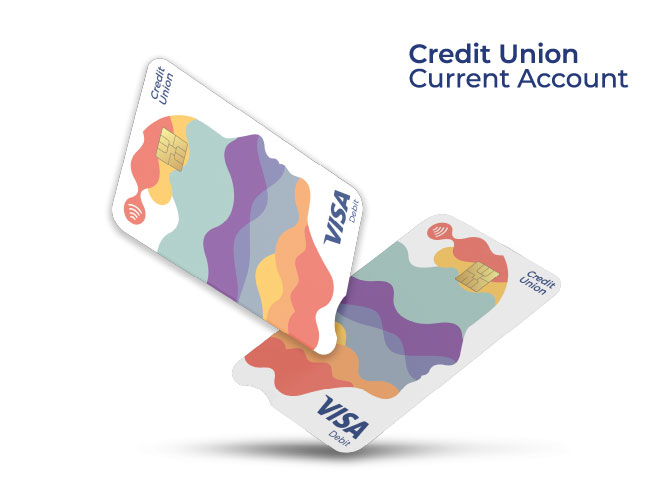
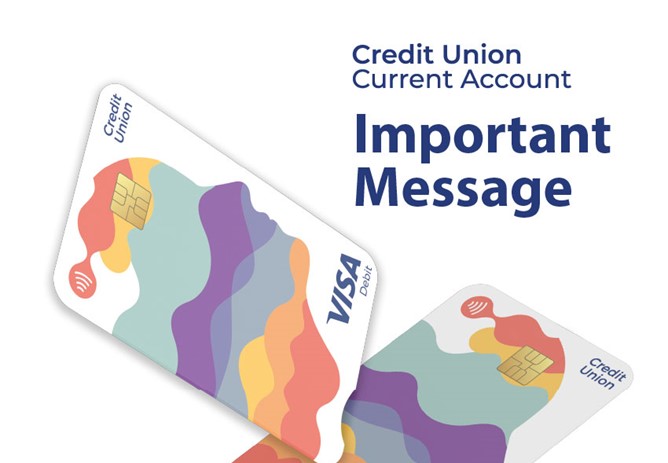
To avoid any interruption to your everyday banking, please activate your new Visa Debit Card by Tuesday, 4 August 2026.
It's quick and easy—simply follow the "What to do next" instructions below.
Please don't leave this until the last minute.
Already activated your new card? No further action is needed—thank you.
What to do next:
- Sign your card immediately.
- Obtain your PIN using the steps below.
- Create your Online Shopping Password (see below).
- Complete a PIN transaction at an ATM or in a retailer to activate your card.
- Once your physical card is activated, you can enable Contactless.
Obtain your PIN
To obtain your PIN for use with this card, text PIN followed by your date of birth and the last four digits of your debit card number to 51155.
Example: PIN DDMMYYYY XXXX (ALL UPPERCASE LETTERS, with spaces as indicated above). You will receive your new PIN by SMS within a few minutes.
Key points to note regarding your PIN:
- Never tell anyone your PIN.
- Never write your PIN down or store it electronically.
- Remember to delete the PIN SMS immediately
Create your online shopping PASSWORD
Strong Customer Authentication (or SCA) gives greater security when shopping online. Instead of being asked for one identification method like a one time code, SCA provides more protection as it uses two methods of identification to confirm it’s you.
When shopping online using your Visa debit card, you may be asked to enter a password you created along with a one time passcode sent to your phone. This extra check helps us to verify your identity and better protects you from fraud.
What you need to do:
To create your online shopping password for use with this card, text PASSWORD followed by your date of birth and last four digits of your Visa debit card number to 51155.
Example: PASSWORD DDMMYYYY XXXX (ALL UPPERCASE LETTERS, with spaces as indicated above).
Then simply follow the instructions for creating your password.
Example: Create a strong memorable password using a minimum of 8 characters and maximum of 16, and containing at least 1 lower case + 1 upper case + 1 number + 1 special character ( ~`! @#$%^&*()-_+={}[]|\;:"<>,./? ).
If you are asked for your password when shopping online and cannot remember it, don’t worry, you will have the option to click on ‘Forgot Password’ and reset a new password so that you can complete your payment.
How to Contact Us:
- Visit: www.currentaccount.ie
- Contact your credit union
- By Phone: +353 (1) 693 3333
For more information on your debit card including Fees and Charges and Terms and Conditions visit www.currentaccount.ie
This card is not enabled for cryptocurrency.
This Visa card is issued by Transact Payments Malta Limited pursuant to licence by VISA Europe Limited.
Transact Payments Malta Limited is duly authorised and regulated by the Malta Financial Services Authority as a Financial Institution under the Financial Institution Act 1994. Registration number C 91879. Credit Unions are regulated by the Central Bank of Ireland.